
GLI is a Marketing Execution company comprised of industry leading professionals whom deliver award winning print, advanced marketing software and State-of-the-Art fulfillment and distribution services. Over our 80+ year history we have gathered the right people, technology, products and services to help organizations maximize their marketing efforts.
- Company Name:Great Lakes Integrated
(View Trends)
-
Headquarters: (View Map)Cleveland, OH, United States
-
Printing
-
50 - 200 employees
- 9598383 Global Rank
- 2941227 Ukraine
-
Direct65.33%
-
Search34.67%
-
Display0.00%
-
Mail0.00%
-
Referrals0.00%
-
Social0.00%

- 1 SDKs
- 2 Total reviews

- App Url: https://itunes.apple.com/app/great-lakes-integrated/id1147569402
- App Support: http://www.glorialatorre.es/SpeechBubbles/
- Genre: Stickers
- Bundle ID: com.gll.StickersMsgApp
- App Size: 23.1 M
- Version: 2.4.2
- Release Date: September 13th, 2016
- Update Date: November 30th, 2017
Description:
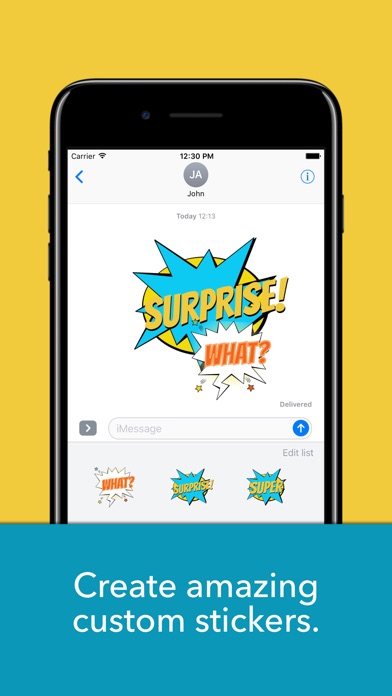
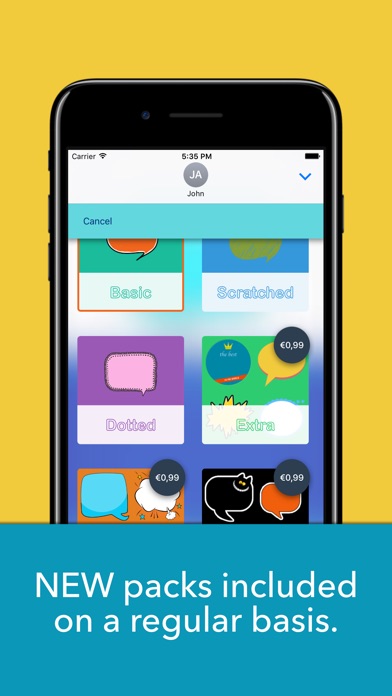
Express your thoughts in a clearer, richer way by creating your own custom stickers. Choose among varied, colorful packs of bubbles and artwork, type and customize your message, and have fun sharing your creations.
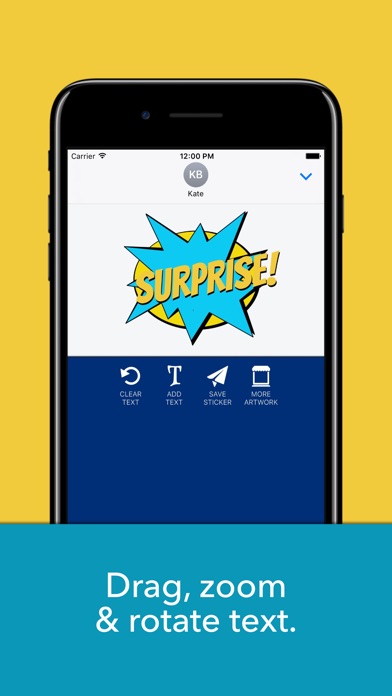
With this iMessage app you can create amazing stickers by adding several layers of text, using different styles and colors, and zooming or rotating them to achieve the desired effect.
NEW fonts, colors and backgrounds are included regularly, so stay tuned!
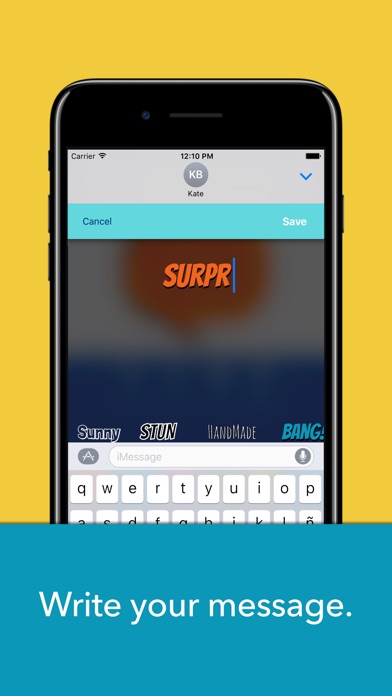
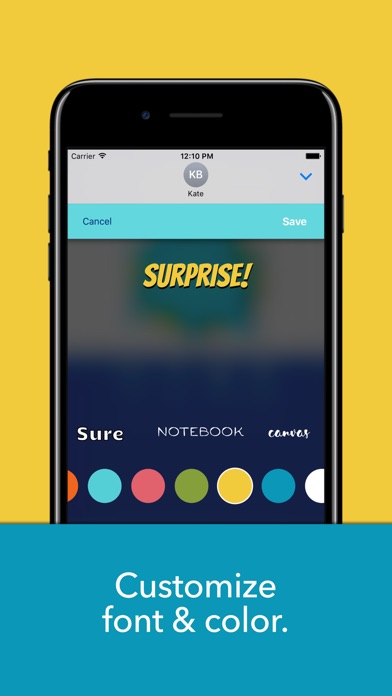
To use the app, open iMessage and select the Speech bubbles app. Tap on the + button to open the edit view. Select a bubble from the list at the bottom (you can search more artwork by tapping on the "More artwork" button and selecting a package), tap on the Add Text button and start customizing your message. You can change the font and color. Once you save your text, you'll be able to rotate, resize or move it over the bubble to achieve the desired effect. You can add as many layers of text as you need. Next tap on Save Sticker and the sticker you've created will be ready for you to share it with your contacts.
Sort by
Dj Ayyaz
Dreamer 66
Ms
 Launch Services



Doesn't Work